Put the booked time in as it was given to you
Set the date and time in CAlarm exactly as booked. Weeks out is no different from tomorrow, so it goes in while you are still standing at the desk rather than later, when you have already half-forgotten.
The day before is when it is useful
A pre-alert a day or two ahead is what lets you rearrange the morning, arrange cover, or work out how long the journey takes. Pre-alerts run from 5 minutes to a week before, so a long journey can have a longer lead.
Keep the details with the appointment
A CAlarm schedule carries a note and a URL, so the department, the clinician, the address and what to bring travel with the entry. When the alert fires you know what to pick up on the way out rather than what you forgot.
See the next visit without hunting for it
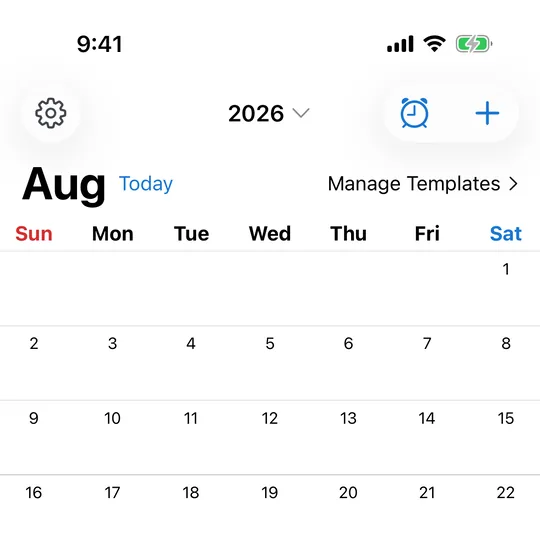
Appointments entered as schedules show as markers on the month view. Tap the date and the day opens as a timeline: the alarm, the pre-alert, and any time notes you added, in order. It answers "when am I next in" without opening a letter or an email.
A clinic you visit often becomes a template
If the shape of the visit repeats — leave at this time, arrive early, blood test first — save it as a template. The next appointment is then a date and one tap, rather than rebuilding the same set of alarms every few weeks.