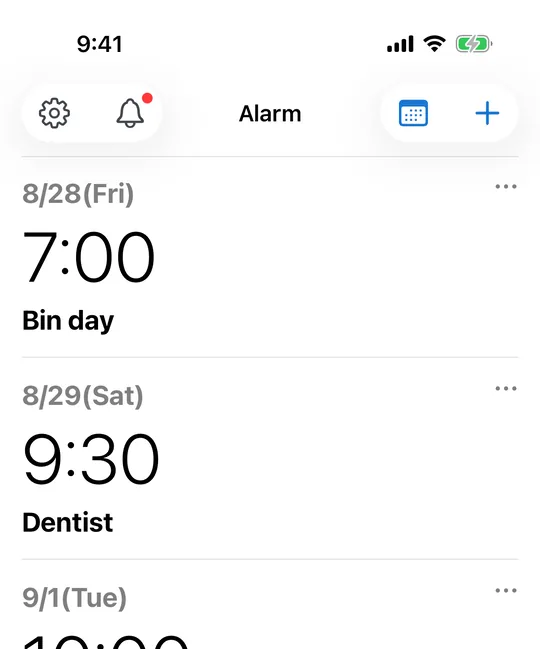
Put the end date in as an alarm, not a note
In CAlarm, set the trial end date and a time you will actually be free as a one-time alarm. It rings on that day and clears itself afterwards, so the list does not fill up with trials you already dealt with.
Warn yourself a couple of days out
A pre-alert can fire 5, 10, 15 or 30 minutes, 1 or 2 hours, 1 or 2 days, or a week before. Two days is usually the useful one: enough time to weigh up whether to keep the thing, without so much slack that you put it off and forget again.
Keep the cancellation link with the reminder
A CAlarm reminder carries a note and a URL as well as a title. Paste the cancellation page and any account detail you will need. When it fires you go straight there, instead of hunting through settings menus while the deadline runs down.
It rings even if the phone is on silent
Because CAlarm registers alarms through Apple AlarmKit, a cancellation reminder sounds on silent and in Focus at ringer volume. A notification you can sleep through is not much use for a deadline that costs money.
Or track the billing date itself
If what you want is a standing view of when money leaves, set a monthly repeat on the billing date instead of a one-off before the trial ends. Months without a 31st are skipped automatically, so the pattern survives February without being rebuilt.