From one minute to twelve hours
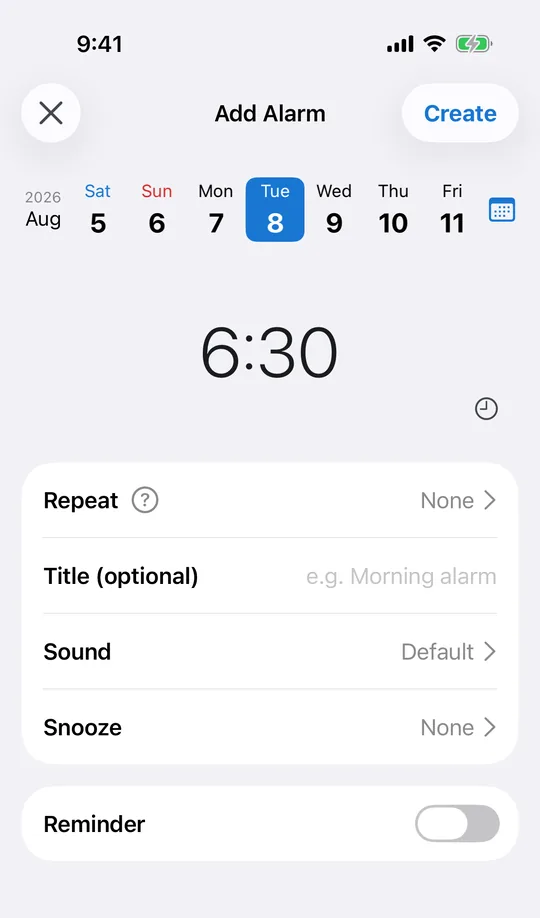
In CAlarm, snooze can be off, any whole number of minutes from 1 to 30, 45 minutes, 60 minutes, or 2 to 12 hours. A few minutes works for getting out of bed. Several hours works as a backstop for a nap that ran long, or a task you genuinely cannot do yet.
See how long is left
A snoozed alarm shows the time remaining before it fires again, on the Lock Screen through Live Activity and in the Dynamic Island. You can tell how long you have without opening the app, and stop it there if you are already up.
The second ring is as loud as the first
The repeat ring goes through Apple AlarmKit like the original, so it still sounds on silent and in Focus at ringer volume. An alarm that wakes you once and then goes quiet is worse than one that never rang.
Or turn snooze off entirely
Setting snooze to "none" makes an alarm ring once and stop. For a one-time alarm tied to a fixed event, that is usually what you want, and it is decided per alarm rather than globally.
Set it per alarm, not once for everything
In CAlarm the interval belongs to the alarm, so a nine-minute nudge on a work alarm and a two-hour push on a weekend one can coexist. Changing one leaves the rest alone, which matters once you have alarms for several different parts of your life.