Set the whole rota at once
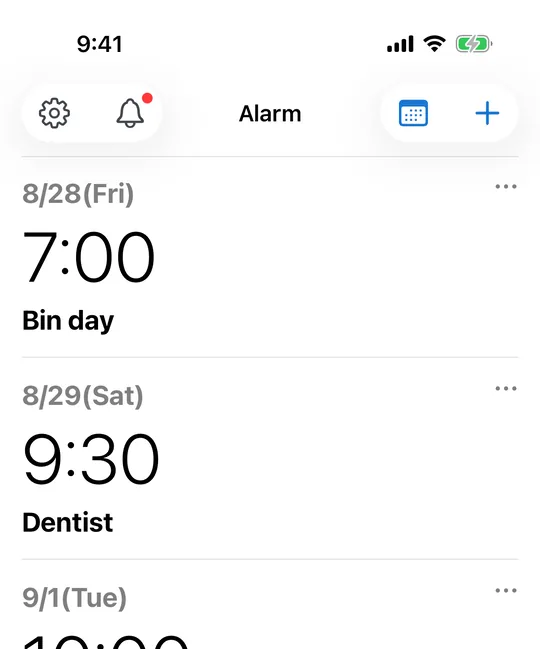
In CAlarm, create an alarm for 15 April at 06:00 and another for 16 April at 13:30, as many as the rota needs. Each one rings at its own time on its own day, so the phone is set for the next fortnight the moment the rota is published.
Save the pattern and reuse it
A recurring shift can be saved as a schedule template, including the alarms and pre-alerts inside it. When the next rota comes out, apply the template to the dates instead of typing it all again.
It rings even if the phone was left on silent
CAlarm uses Apple AlarmKit (iOS 26), so alarms ring on silent and in Focus at ringer volume and fill the Lock Screen. Coming off a night shift and forgetting to unmute does not cost you the next start.
Shifts that cross midnight stay in one piece
A sixteen-hour night shift runs past midnight, so anything that splits the view into today and tomorrow breaks at 23:59. The CAlarm calendar and widgets list everything from now onward as one continuous run, with a heading where the date changes.
The next few days, without opening the app
A widget on the Home Screen lists what is coming from now onward, and the Lock Screen can carry the next single item. On a rota that changes weekly, the useful question is "what time am I in tomorrow", and this answers it from the Lock Screen.